

What is a Print Brief?
(and why it matters more than you think)
In life, communication makes the difference between clarity and misunderstanding. Print briefs are no different. Only you, as the client, truly know what you want and the purpose of your printed piece, so it is vital that you communicate clearly and ensure your printer is on the same page.
A good print brief communicates the vision and purpose of your print project. The more you share, the more your printer can guide, advise, and help you make the right decisions. Ultimately, your printer wants you to succeed, so never feel that a question is too big or too small. Clear communication upfront will always lead to a better outcome.
Why Your Printer Needs a good Print Brief
When you are clear on your requirements, your printer can guide you toward the most suitable options for your print project while ensuring the best possible costing. This is especially important when you are comparing print quotes—only a detailed brief ensures you are comparing apples with apples.
Before preparing your brief, it helps to have a clear mental image (or even a physical example) of what the final printed piece should look like and then work backwards from there.
The Key Elements of a Good Print Brief
Start with the following:
a) Provide a clear description of the print project, for example: Travel Brochure or Parts Catalogue.
b) Decide on the size. Is it A4, A5, or a custom size? Be aware that custom sizes (such as American formats) can result in significant paper wastage, which increases costs. Standard sizes like A4 or A5 are usually the most cost-effective.
c) Specify the number of internal pages. Note that the cover is not included in this count—only the inside pages. Remember, a page is one side of a sheet, so one sheet equals two pages. The cover should always be listed as a separate item.
d) Indicate whether the internal pages are printed single or double sided. Training manuals, for example, may well be printed on one side only, while brochures, magazines, catalogues, as well as books are typically printed on both sides throughout the publication.
e) Specify the colour used throughout the project. In printing, there are generally three standard options: CMYK (full colour), spot colours (such as a specific corporate red), or black and white. Some projects use a combination of these.
f) Detail the print finishing How will the project be bound? Saddle stitched (two staples), wire bound, perfect bound (glue-bound like a novel), or casebound (hardcover)? Each option carries a different cost. If you are unsure of the terminology, including a photo will help ensure clarity.
g) Specify the paper stock for both the internal pages and the cover. Covers are usually printed on a thicker stock unless the piece is a simple handout. Indicate whether the paper should be matt, gloss, or uncoated (such as bond paper commonly used for manuals and books). If you have chosen a specialty paper, note this despite the additional cost.
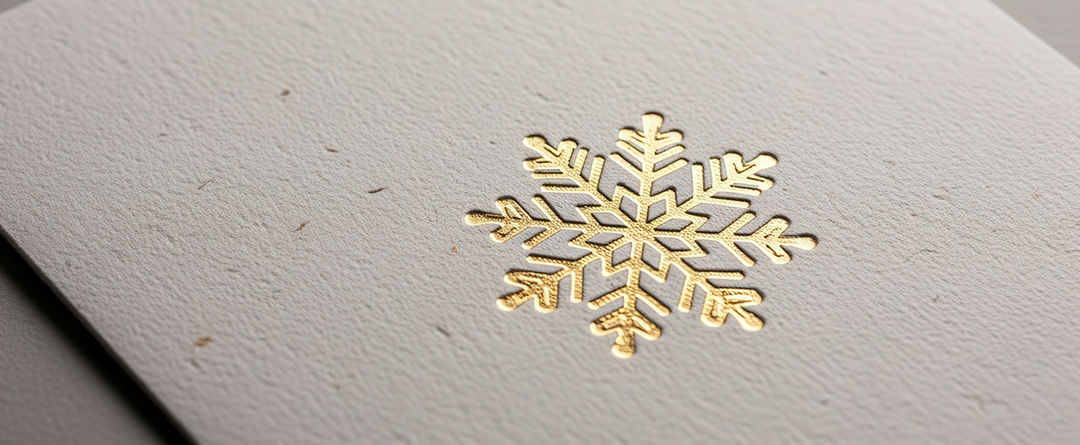
h) List any embellishments that add value to the project, such as foil, embossing, debossing, spot UV, lamination, or flood UV coating. Be sure to specify where these elements apply and their approximate size. When in doubt, include a reference image.
i) State the print quantity
j) Add any additional details that form part of your vision but may not have been covered above.
k) Finally, include your print deadline. If you have a specific timeframe in mind, now is the time to share it so the printer can confirm whether it is achievable.
Once your printer receives the brief, they may come back to you with questions or proceed to quote based on the information provided. It is essential that you read the quotation carefully and ensure you understand every detail. If anything is unclear, ask for clarification—surprises at print stage are never ideal and be costly.
As a side note, it is extremely important that the files you supply are in the correct format (typically a PDF/X-1a) and that they follow proper design guidelines to avoid issues with trimming, binding, or finishing. Always confirm file requirements with your printer.
In Summary
Provide as much detail as possible to avoid misunderstandings. Think of your print brief as an instruction manual—when someone reads it, they should end up with exactly the same understanding as you. Your printer is your partner in the process, so give them everything they need to make your project a success.
And if you need help and would like to discuss your current or next project then simply call Remata Communications and Printers on 011 848 0000.